Step-by-step guides
IPTV Setup Guide for Firestick,
Smart TV and Android
Choose the device you want to watch on. Each guide explains which player to open and where to add your IPTV Source login.
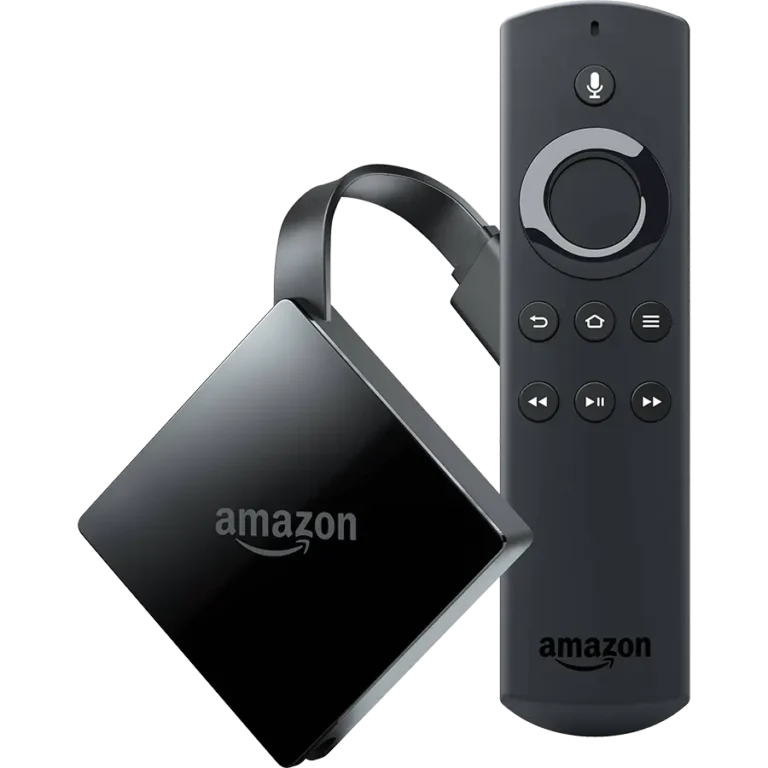
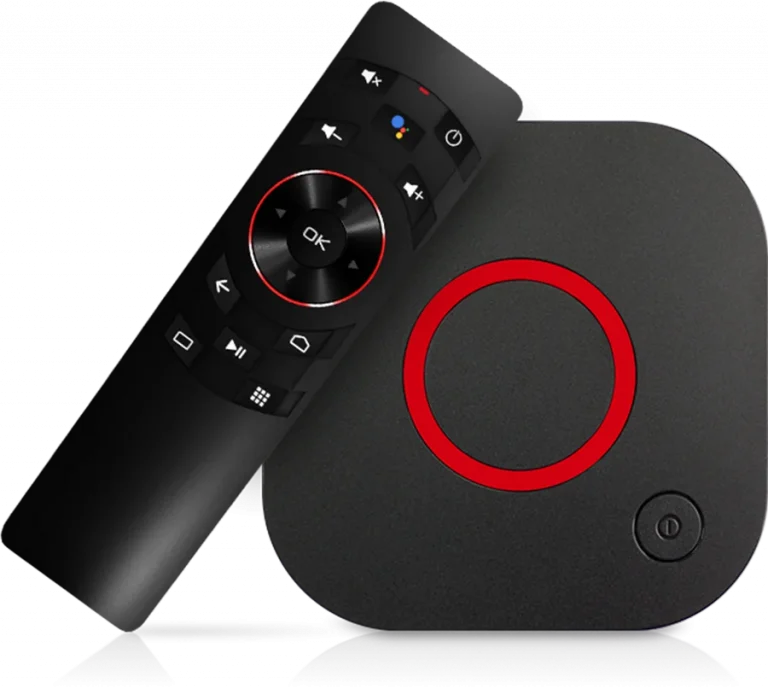
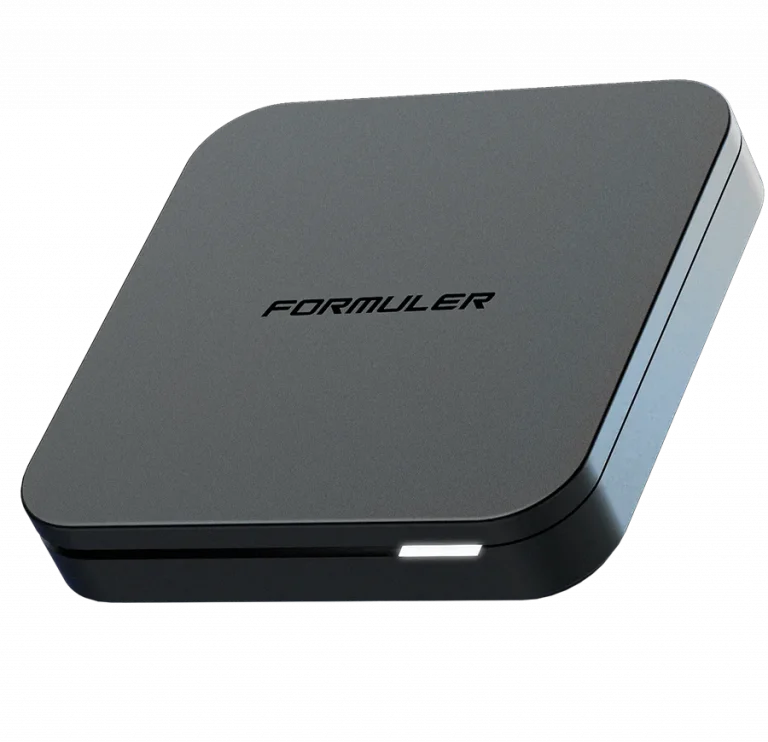
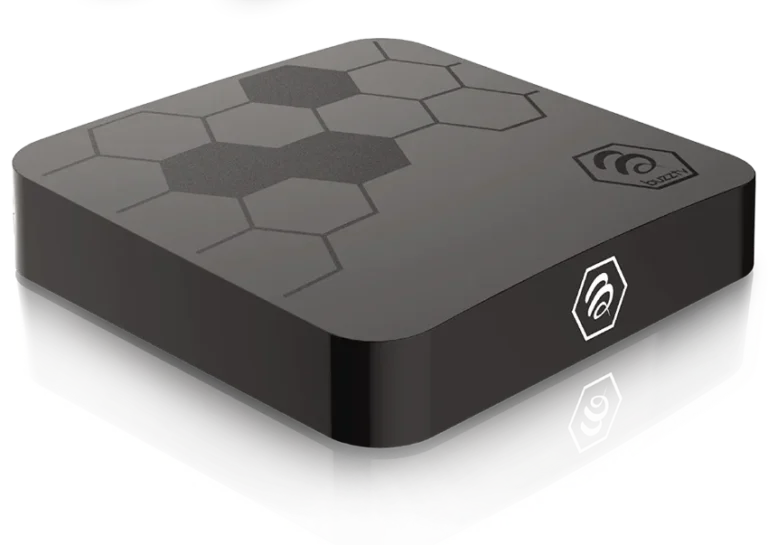
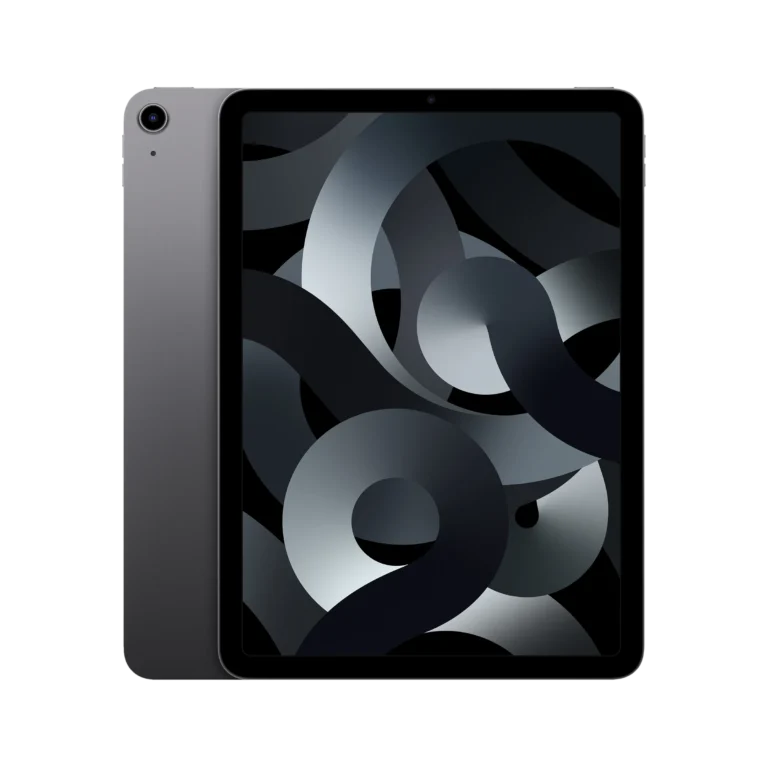
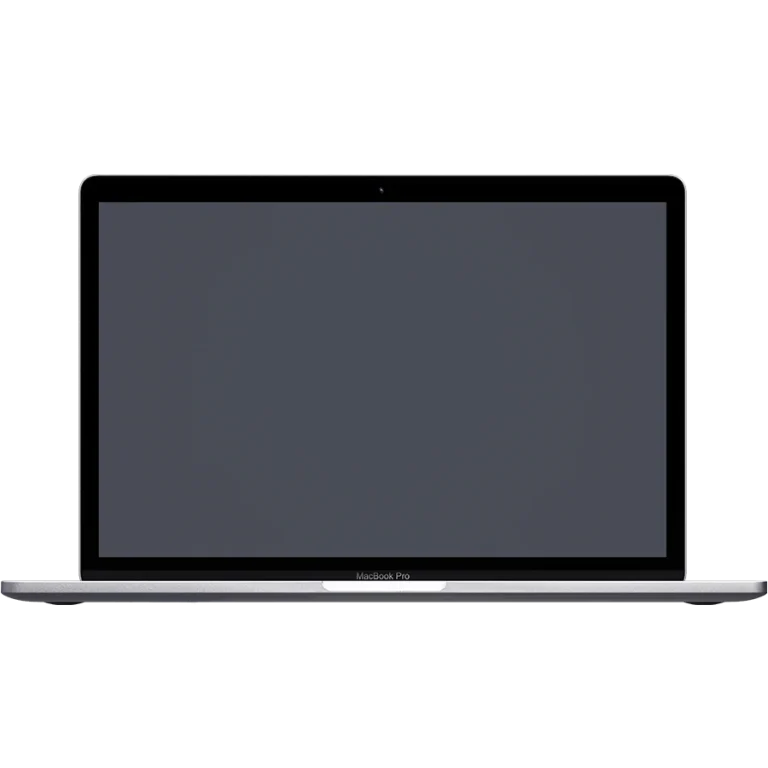
Pick your device below and follow the steps. For a Fire TV Stick, open the Firestick setup guide, which starts with the app installation settings. If your television runs Tizen or webOS you want the Samsung and LG setup guide instead, because those sets use their own app store. Everything running Google TV or an Android box is covered by the Android setup guide, and Apple households should start with the Apple TV setup guide. The number of screens you can watch at once depends on the device count selected with your plan.
IPTV installation guides by device